AI Already Did It › Productivity & Office › Notes & Knowledge
A native Linux build of the Notepad++ editor on Qt and Scintilla — same menus, shortcuts and file formats, and it runs real Notepad++ plugin DLLs through Wine.
| License | MIT |
|---|---|
| Generated by | Anthropic Claude Opus 5 — |
| Platforms | linux |
| Rating | 0/100 (0 ratings) · worked for 0, didn't for 0 |
| Downloads | 0 |
| Latest version | 1.0.0 (2026-09-21) |
| Uploader | Administrator |
| Estimated generation cost | 4,500,000 tokens (≈ $27.00) — saved so far: 0 tokens |
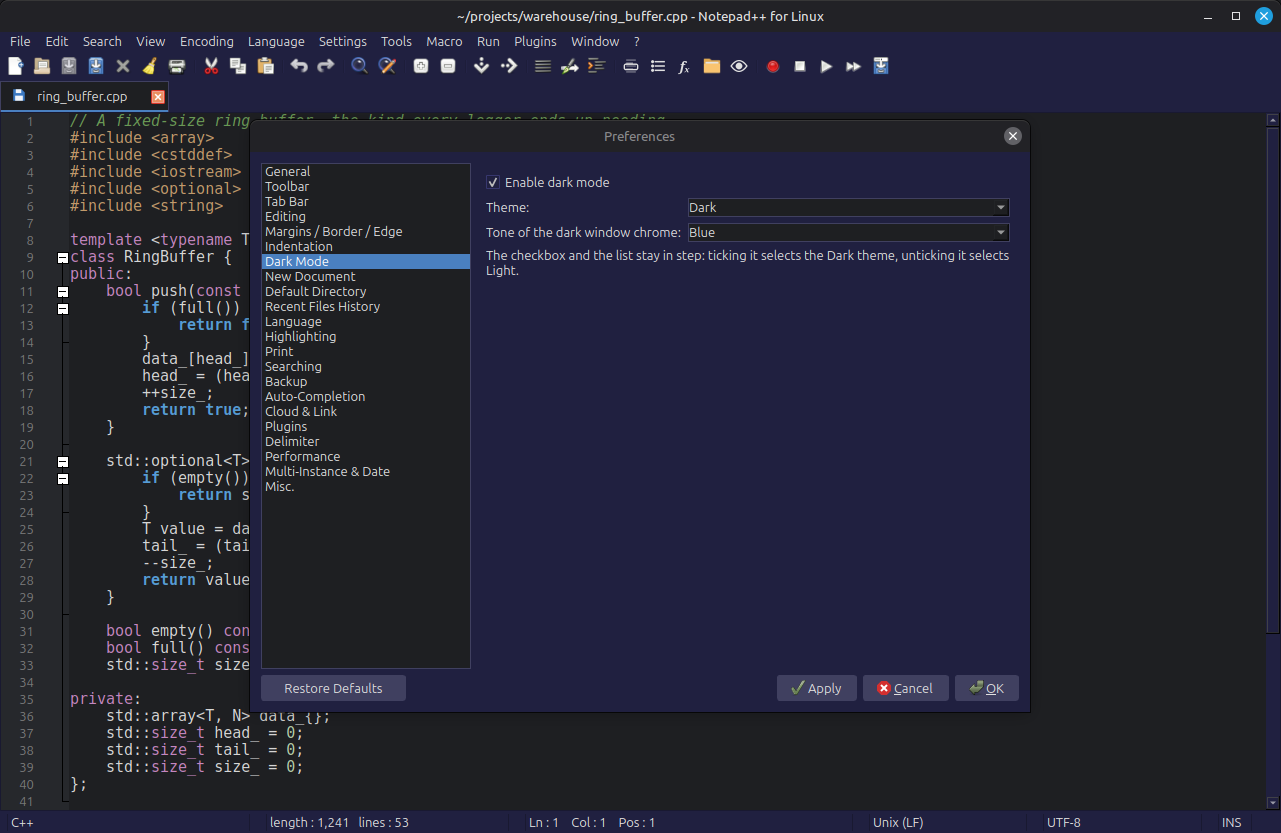
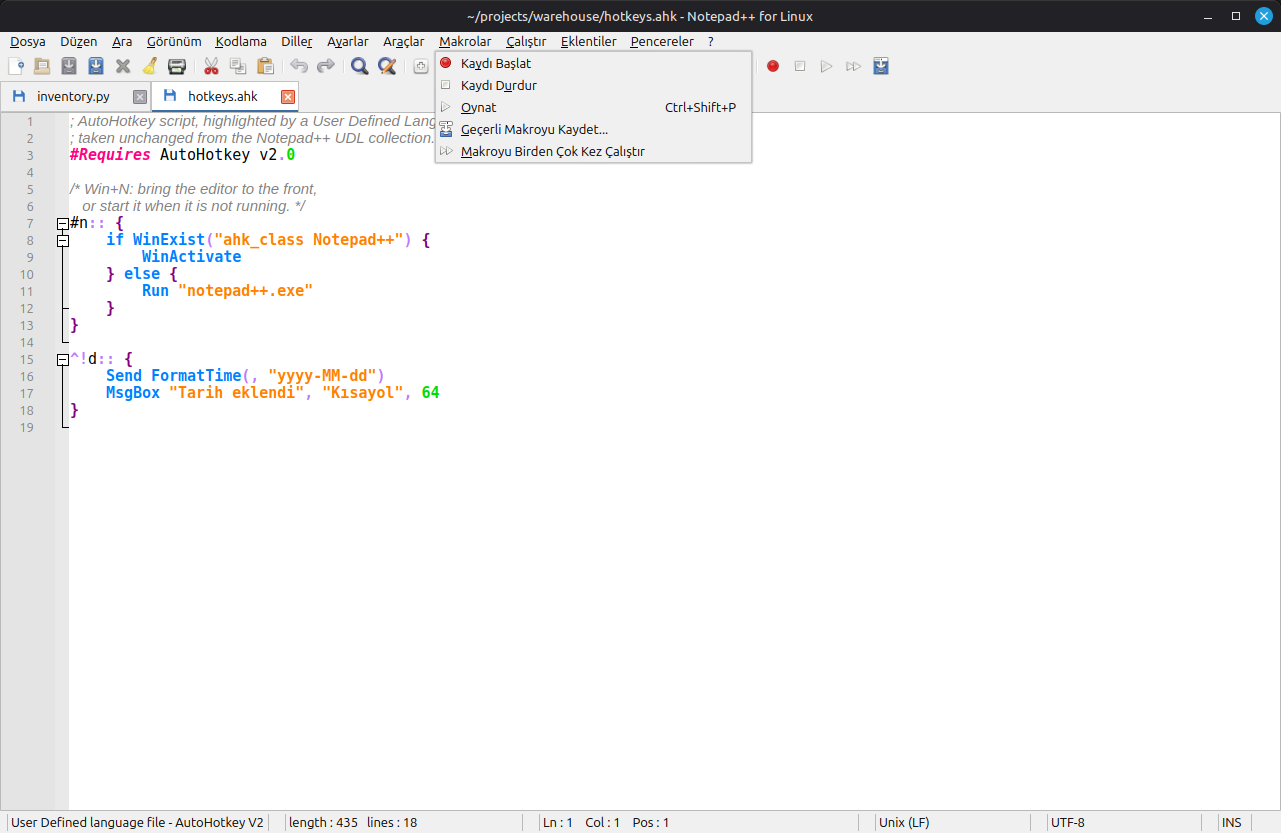
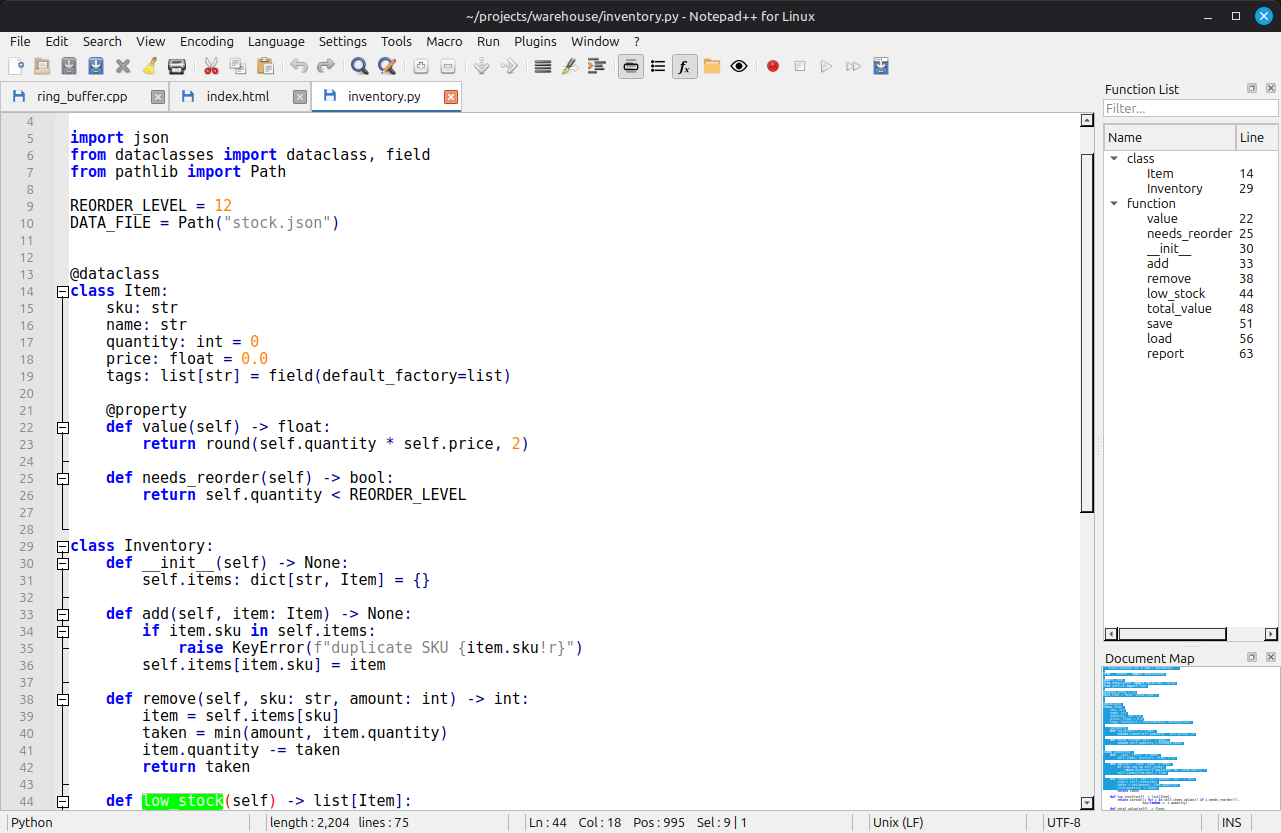
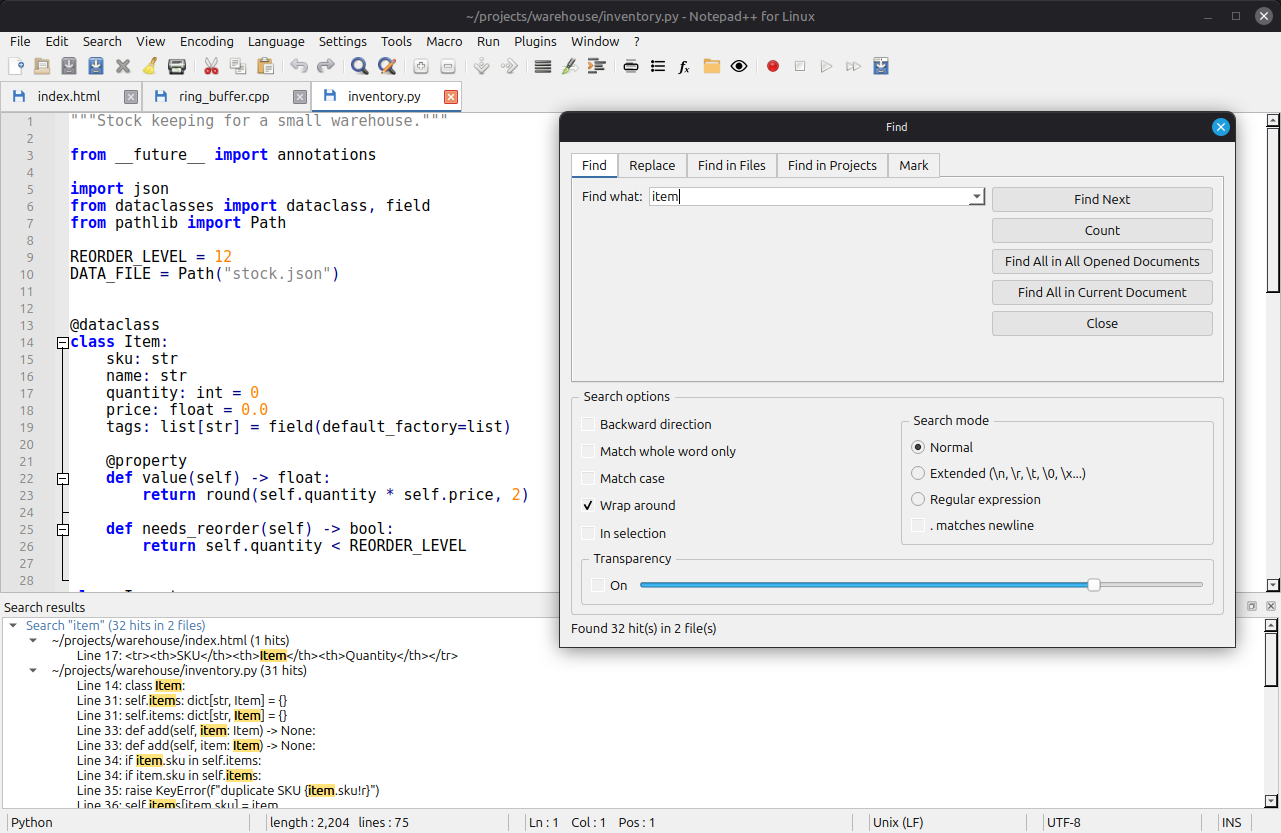
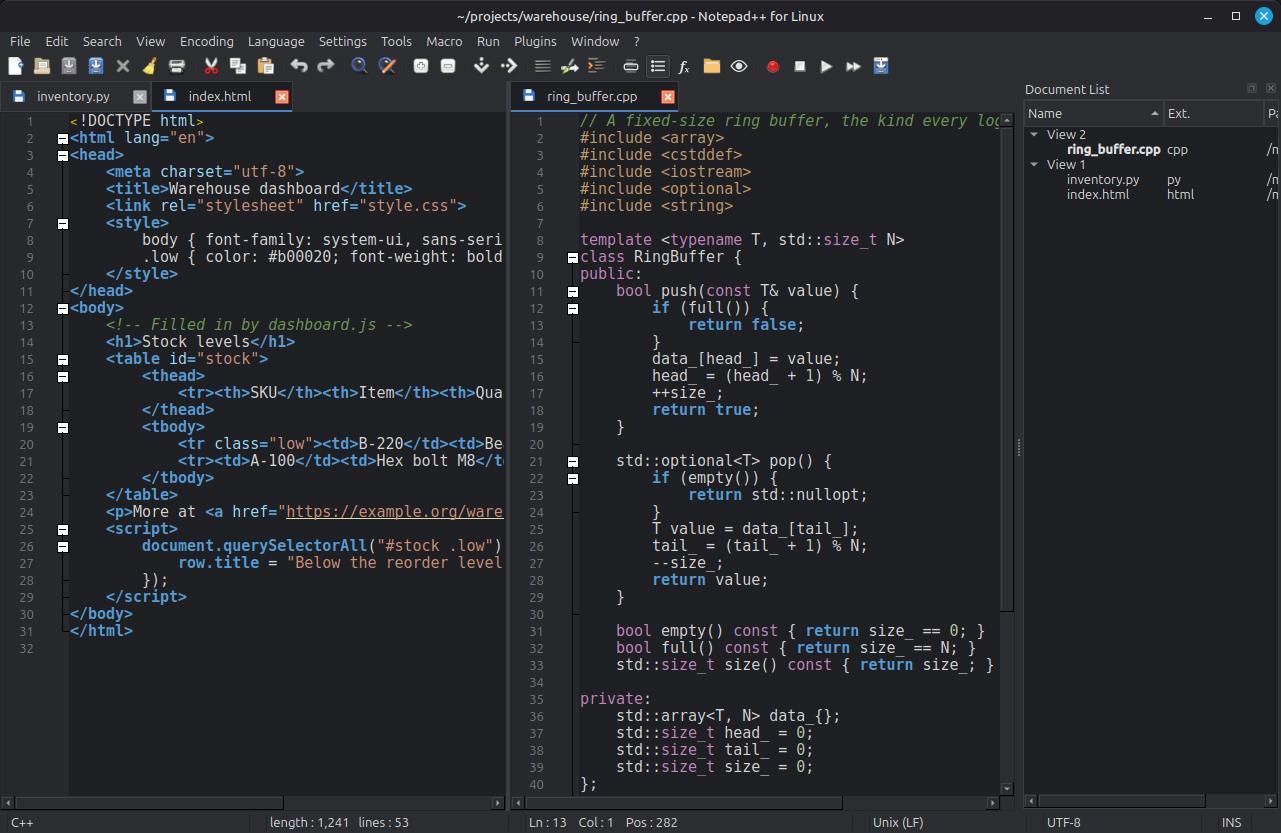
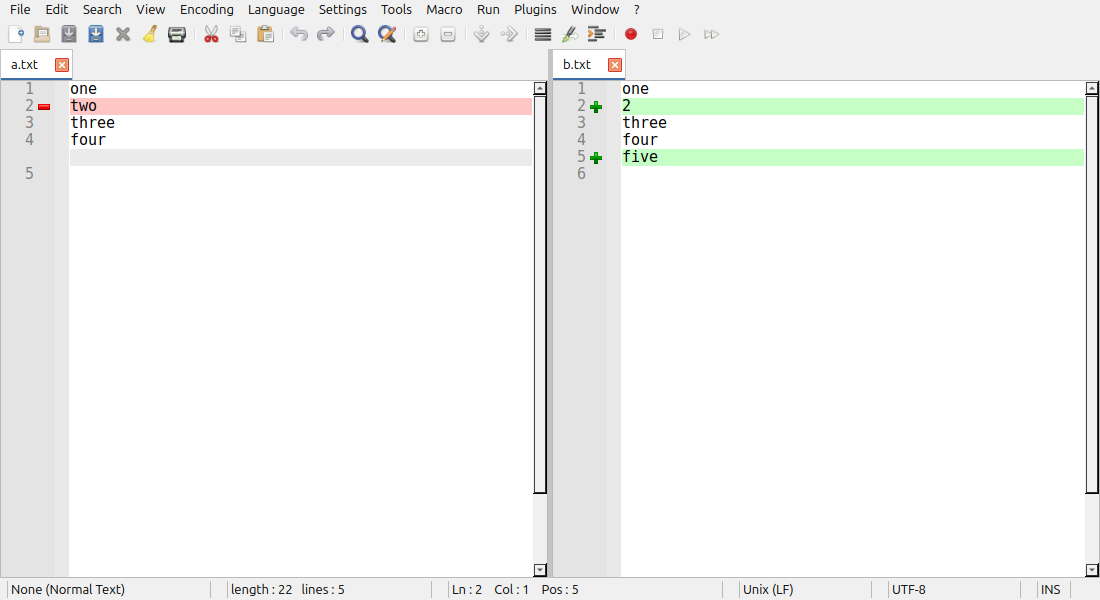
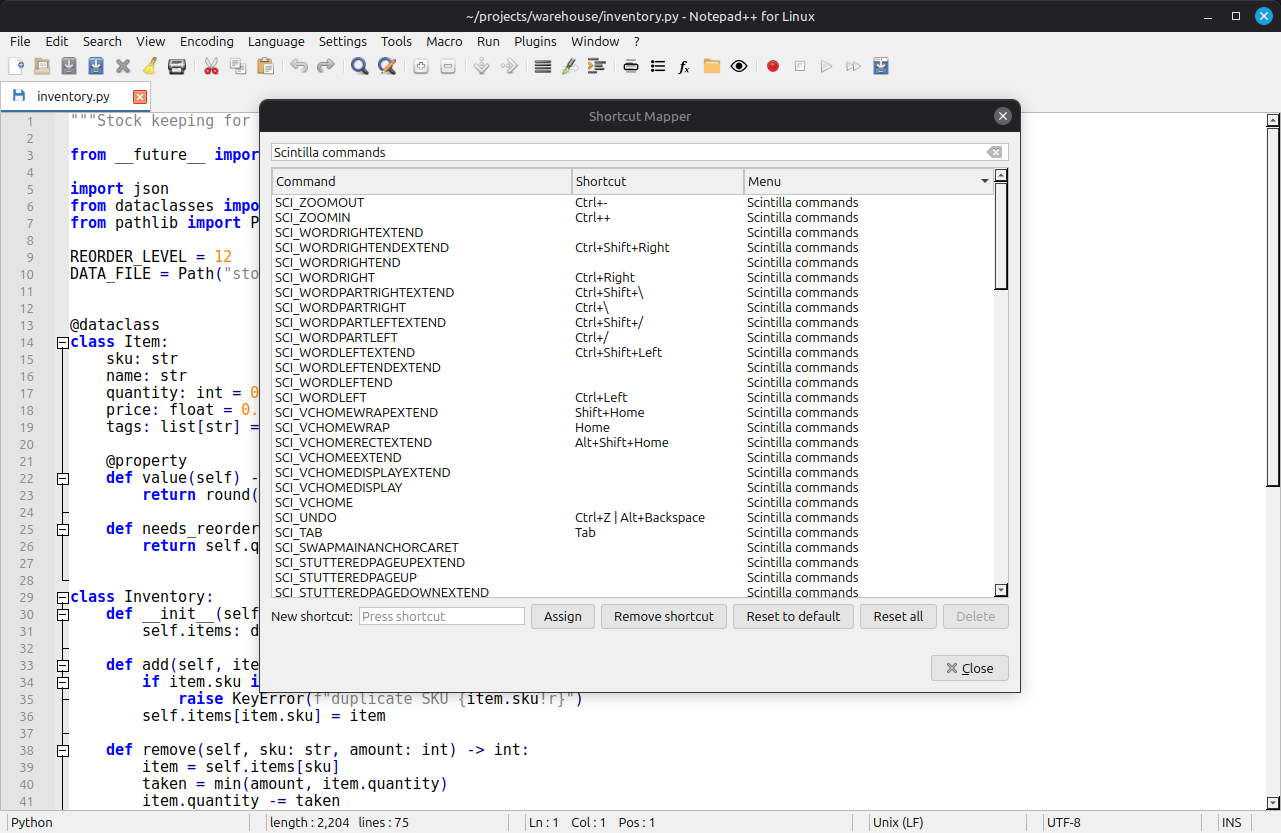
A native Linux build of Notepad++, written in Python with Qt 6 and Scintilla, the same editing component the Windows original is built on. The goal was fidelity, not inspiration. The menu tree, command identifiers, default shortcuts and language definitions are generated from the Notepad++ sources, so the layout matches item for item and your muscle memory carries over.
tail -f monitoring, printing, and sessions.Plugins are Windows DLLs. Instead of inventing a new plugin API, the editor runs the real ones, unmodified, in a small host process under Wine and forwards their Scintilla and Notepad++ messages to the Linux editor. Plugins Admin installs from the official plugin list with SHA-256 verification. MIME Tools, Converter, NppExport, JSTool, XML Tools and ComparePlus were checked working. Without Wine the feature switches itself off and says why.
./install.sh && ./notepad-plus-plusIt was written entirely by Claude (Claude Code) from a short brief, then refined through about two dozen plain-language requests and bug reports from one person testing it on their desktop. There are 403 automated tests. They include runs of the real program from start-up to shutdown, a sweep of every menu command, and checks that every bundled Notepad++ data file parses.
Its own source code is MIT licensed. The data files taken from Notepad++ stay under the GPL v3, as do PyQt and QScintilla. This is an independent reimplementation, not affiliated with the Notepad++ project.
1. - I want you to create Linux version of Notepad++ application * https://notepad-plus-plus.org/ * https://github.com/notepad-plus-plus/notepad-plus-plus - Research deeply before implementing any code - Do your best, good luck.
2. how can I run by pycharm ? Lets a add a notepadpp.py to so I can test it
3. does it have dark / light theme selection ?
4. cant see light theme
5. it doesn't support darh and drop
6. commit changes
7. lets make plugins as good as Plugins. MIME Tools, Converter, NppExport, Plugin Admin (most important one)
8. just use current notepad++ plugin model. Means support notepad++ all current plugins
9. Do NOT create plugin API and manager. Just make a way to support curent notepad++ plugins
10. Lets make your new plug-in solution is avaliable only if wine is insatlled. Show this warning in the plugin menu if wine is not installed
11. sorryi if it is working without wine, do nothingé!
12. commit changes
13. I can't see eye icon (MOnitoring, taild- f) feature
14. commit changes
15. search for other missing features
16. go
17. implement the rest if they are not diffucult to implement
18. commit changes
19. Add MIT license file (author is you, claude), take at least 4 screenshots, ensure the app has an icon in png 256x256 and add both .AppImage and .deb installation files
20. there is a bug. When re-open the application, all my documents in opened tabs are gone
21. but stil there, but when I click new file button, all documents come back, this fixes the issue
22. did you update .deb and .AppImage files ?
23. commit changes
24. merge to master
Tags: code-editor, notepad++, plugins, syntax-highlighting, text-editor, wine