AI Already Did It › Media › Graphics & Design › Image Editors
A Microsoft Paint clone for Linux Mint Cinnamon: layers, nine brush engines, 23 shapes, a text tool and one-click local background removal.
| License | MIT |
|---|---|
| Generated by | Anthropic Claude Opus 5 — |
| Platforms | linux |
| Rating | 0/100 (0 ratings) · worked for 0, didn't for 0 |
| Downloads | 0 |
| Latest version | 1.0.0 (2026-09-07) |
| Uploader | Administrator |
| Estimated generation cost | 151,531,580 tokens (≈ $2,272.97) — saved so far: 0 tokens |
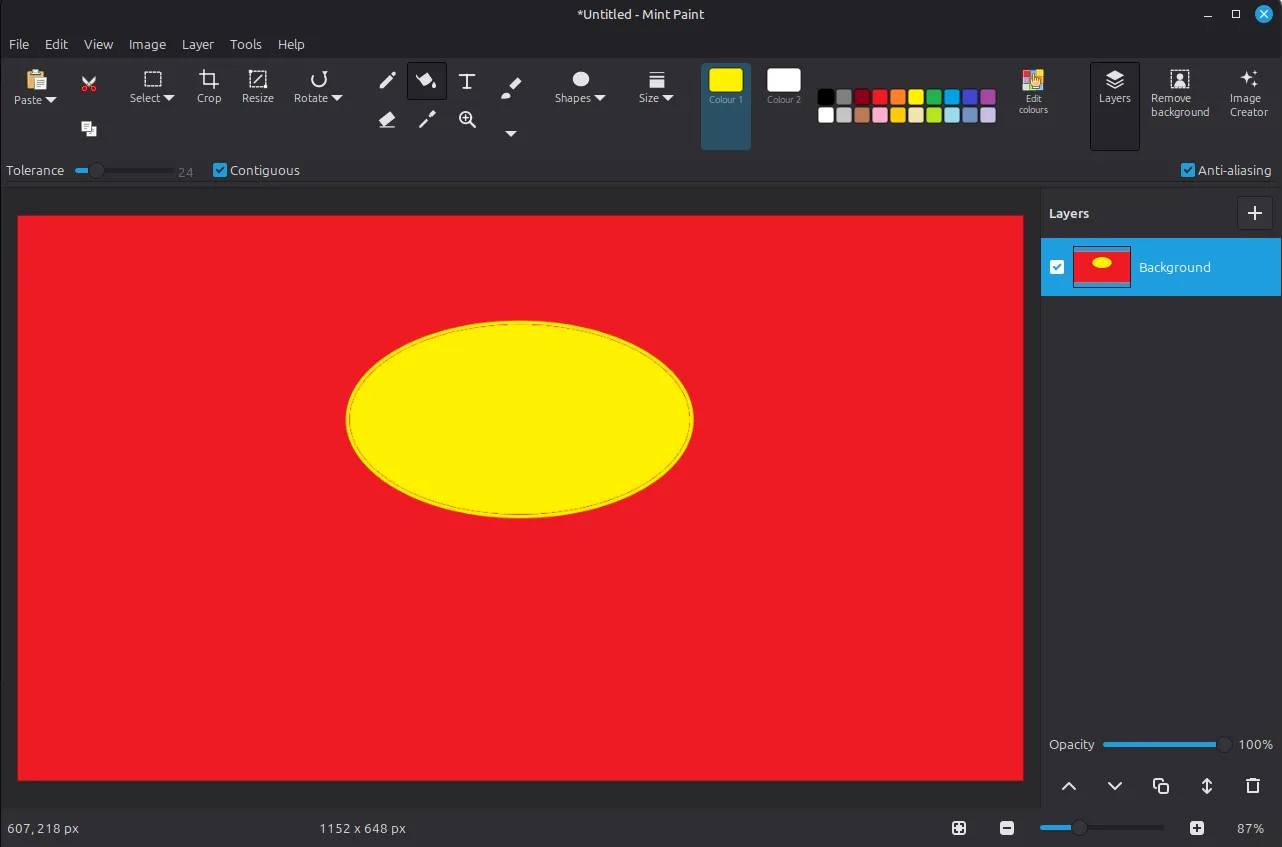
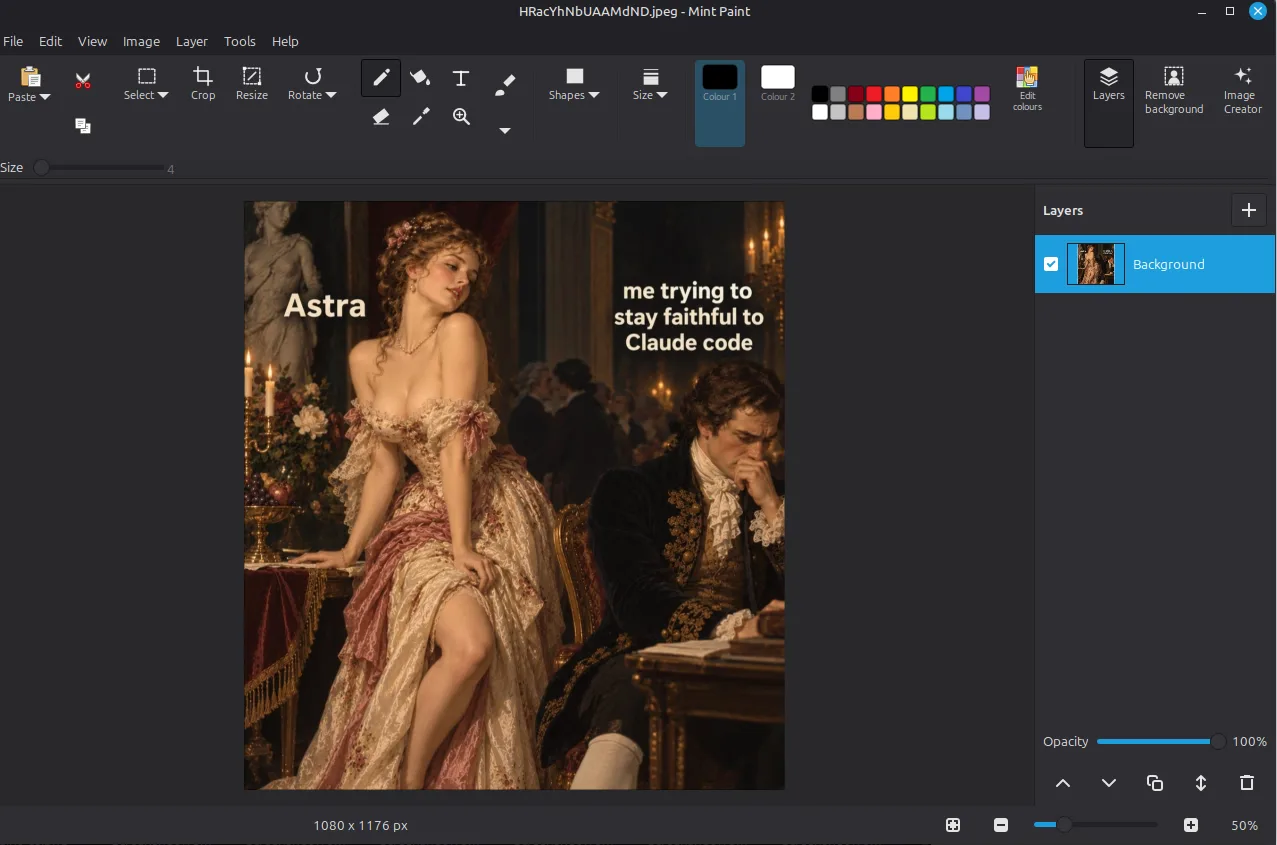
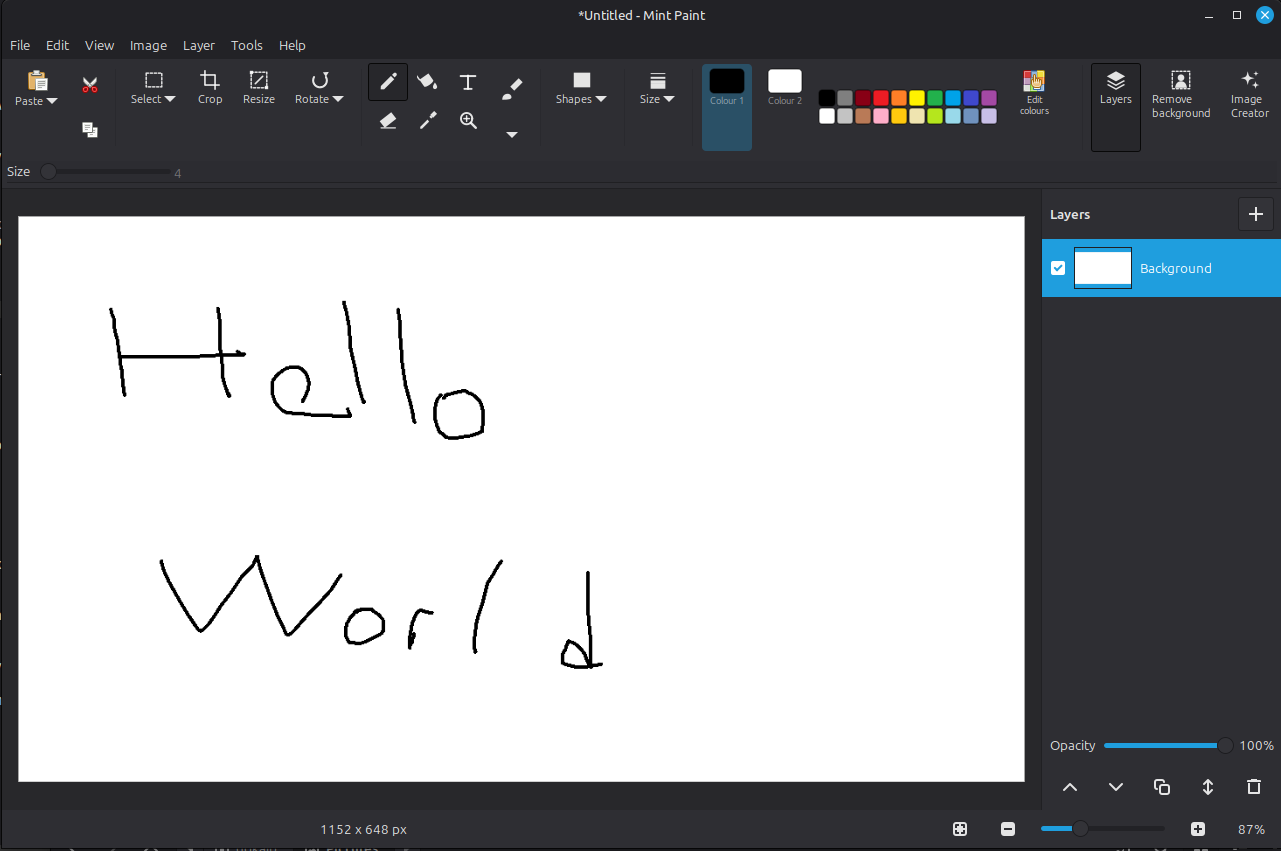
Mint Paint is a Linux Mint version of the Windows 11 Paint app — the ribbon toolbar, the brush gallery, the shape gallery, layers and one-click background removal, built natively for Cinnamon with GTK 3 and Cairo so it follows your system theme in both Mint-Y light and dark. ▎ ▎ What it does ▎ ▎ - Pencil, eraser, fill, colour picker, magnifier and a text tool that uses a real GTK text view over the canvas, so editing, selection and input methods work as they do everywhere else ▎ - Nine brush engines: brush, calligraphy 1 and 2, airbrush, oil, crayon, marker, natural pencil and watercolour. Each stroke is composited once, on release, so translucent brushes build up naturally instead of darkening at every wobble of the mouse ▎ - A gallery of 23 shapes that stay editable after you draw them — move, resize, restyle, then press Enter to commit ▎ - Rectangular and free-form selections, with move, scale, Ctrl-drag copy and transparent selection ▎ - Full layers: add, duplicate, delete, reorder, rename, hide, opacity, merge down and flatten, with all of it on the undo stack ▎ - Crop, resize, canvas size, rotate, flip and invert colours ▎ - Background removal that runs entirely on your machine — it samples the border of the picture, grows that region inwards within a tolerance you can drag, and feathers the edge. No network, no account, live preview, one undo step ▎ ▎ Files. Opens anything gdk-pixbuf reads, including PNG, JPEG, BMP, GIF, WebP, TIFF and SVG. Saves as PNG, JPEG, BMP, WebP, TIFF or ICO. Layered work is kept in a native .mpaint project (a zip of PNGs plus a manifest), and the app warns before flattening into a format that cannot hold layers. ▎ ▎ Mint touches. A native menu bar with real shortcuts, gridlines, printing, and File → Set as desktop background, which hands the picture straight to Cinnamon. ▎ ▎ About the AI features. Microsoft's Image Creator has no Linux equivalent, so this app does not pretend to bundle one. The Image Creator panel talks to whichever generator you already have — a local Stable Diffusion WebUI started with --api, or any OpenAI-compatible images endpoint — and says so plainly when nothing is configured. Paint's Cocreator and generative fill/erase are not included. Background removal is local and needs no service at all. ▎ ▎ Built and tested. About 6,400 lines of Python across 21 modules, written entirely by an LLM from the prompts listed here. It ships with 249 automated checks covering tool behaviour, undo/redo round trips, compositing correctness, file round trips, keyboard handling and failure paths — including a fuzz pass whose undo-everything/redo-everything result is byte-identical. Four adversarial QA passes found and fixed 48 bugs. ▎ ▎ Installs as a .deb on Mint 22.x. MIT licensed — free to use, change and redistribute.
Verbatim, in order:

1. Look at Micrososft Piant: https://www.microsoft.com/en-us/windows/paint#imagecreator

   Create its Linux Mint version

2. I pushed print screen button and take a screen shot then I copied to clipboard.
   Then I past it to paint but only small area were pasted. Fix it

3. ok, now do serious Q/A testing and fix all errors you find

4. there are still too much bugs. Switch to fable 5.1 and do serious Q/A testing
   and fix the issues/errors

5. ok, create .deb installation file for it so I can install it on my system

6. add MIT license and copying file. It is all free anD mıt license
Tags: python