AI Already Did It › Media › Video
A lightweight network video recorder for Linux with a Blue Iris style interface. Records RTSP/ONVIF cameras, webcams and video files, detects motion, and lets you watch live or scrub through recording
| License | MIT |
|---|---|
| Generated by | Anthropic Claude Fable 5.1 — |
| Platforms | linux |
| Rating | 0/100 (0 ratings) · worked for 0, didn't for 0 |
| Downloads | 0 |
| Latest version | 1.0.0 (2026-09-08) |
| Uploader | aialreadydidit |
| Estimated generation cost | 900,000 tokens (≈ $13.50) — saved so far: 0 tokens |
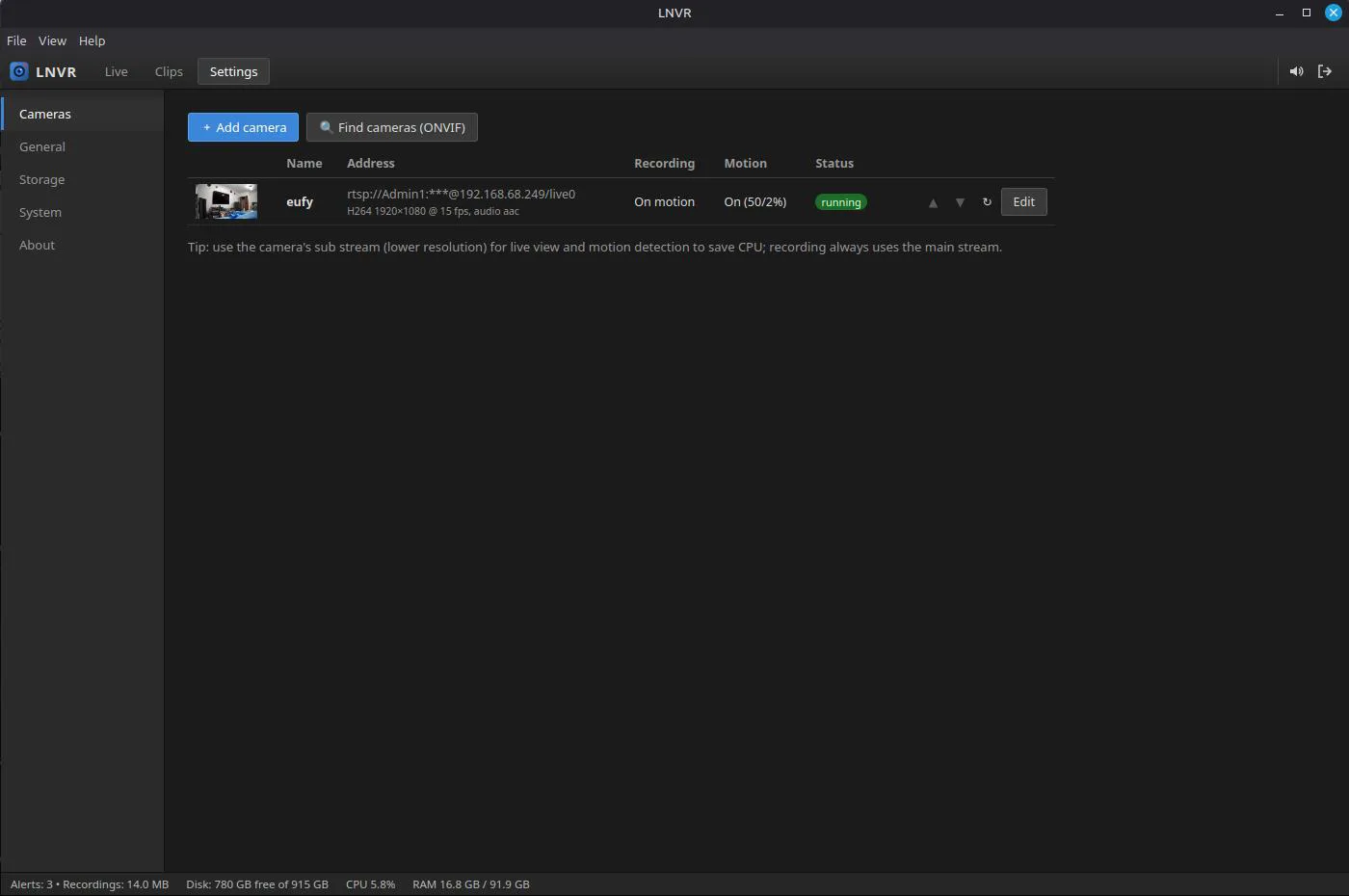
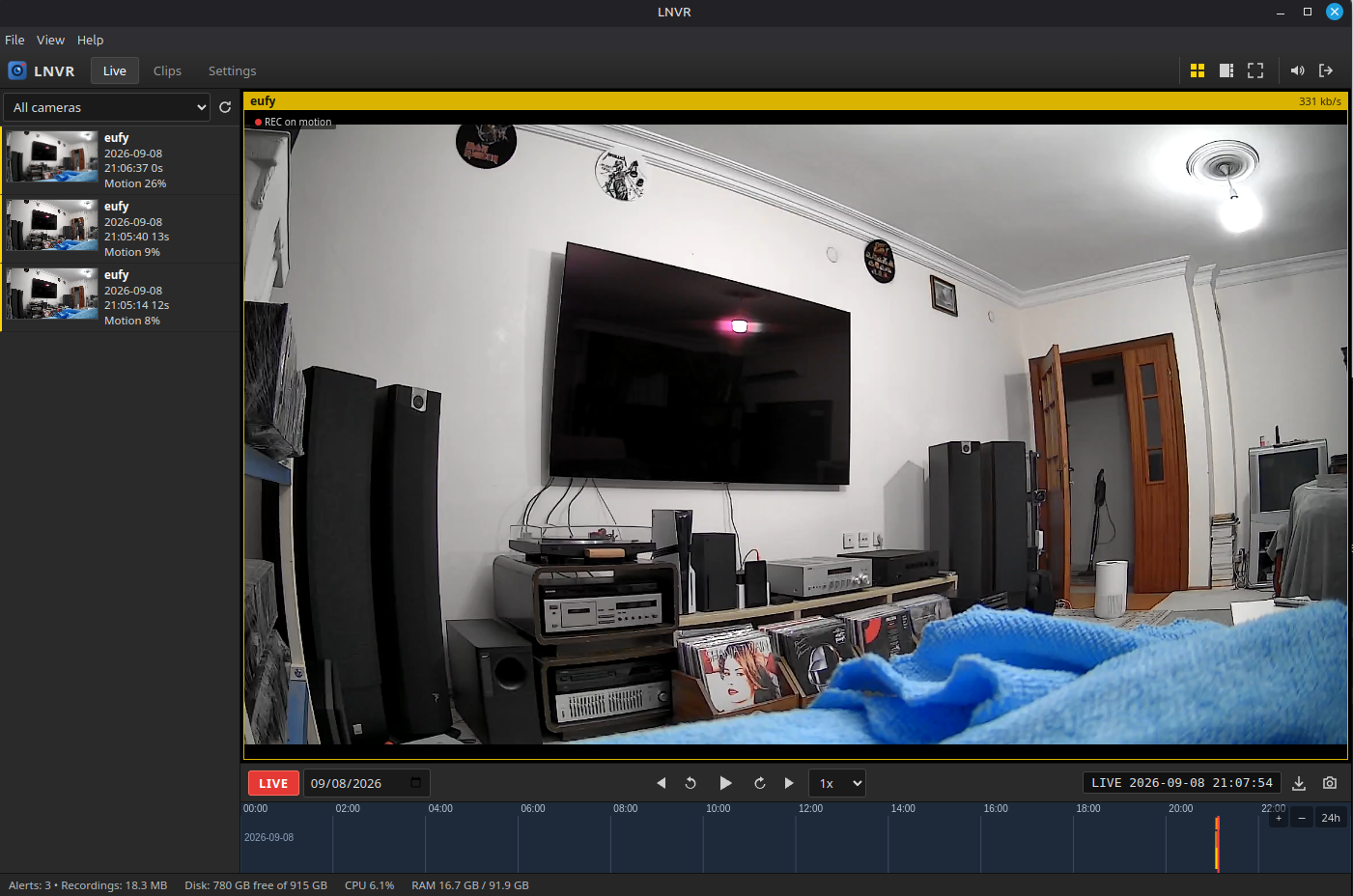
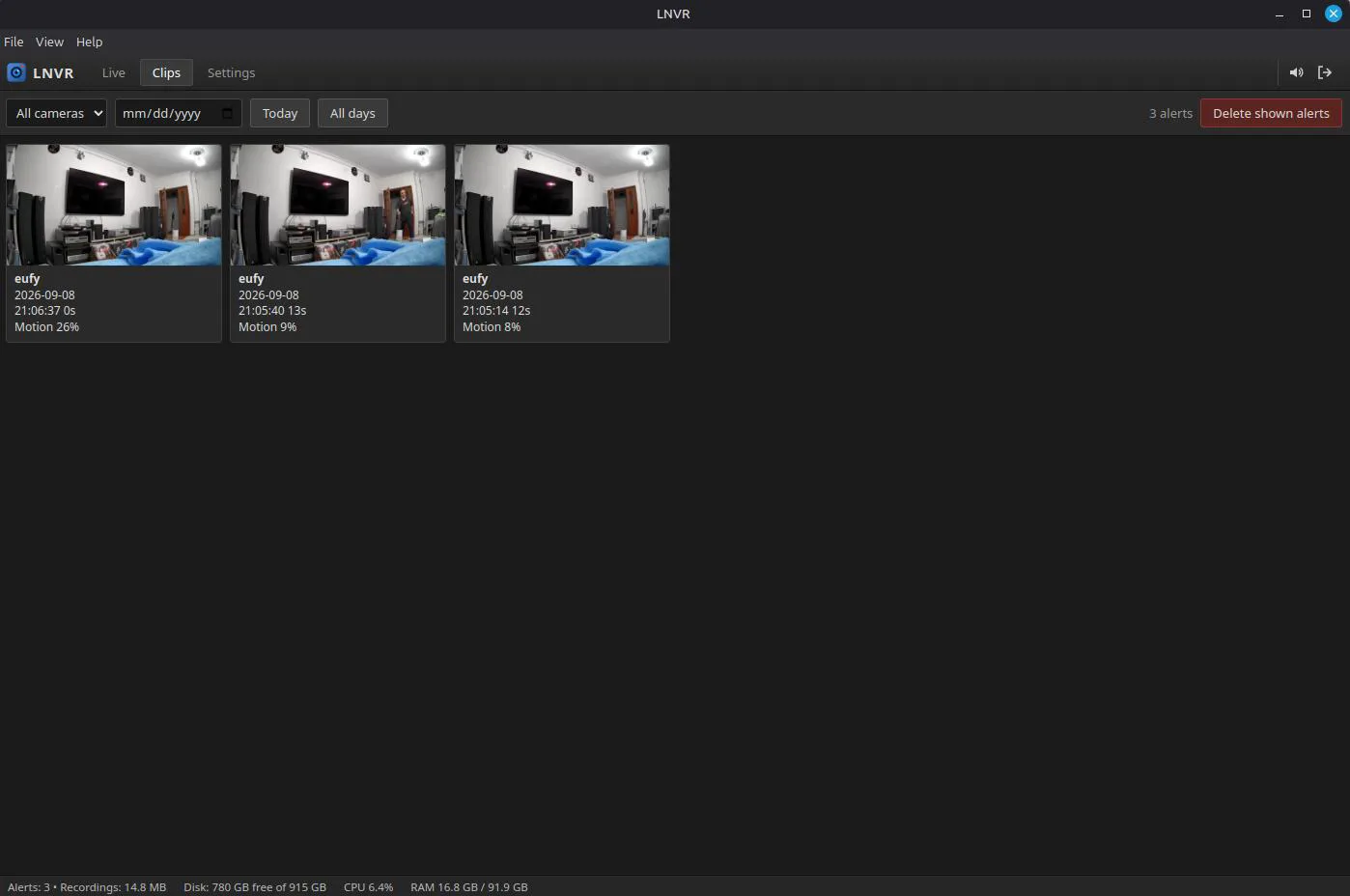
LNVR turns a Linux PC into a video recorder for your IP cameras. It has the look and workflow of Feniks Nvr: a live grid of all cameras, a column of motion alerts with pictures, a yellow timeline you can click to play back any moment, and a status bar with disk, CPU and memory. Everything runs locally; no cloud account, no subscription.

Needs python3 (3.10 or newer) and ffmpeg:
sudo apt install python3 ffmpeg
Then either run the AppImage (one file, no installation):
chmod +x LNVR-1.0.0-x86_64.AppImage
./LNVR-1.0.0-x86_64.AppImage
or install the package on Debian, Ubuntu or Linux Mint (adds LNVR to the menu):
sudo apt install ./LNVR-1.0.0-amd64.deb
Tip: also enter the camera's sub stream (low resolution). It is used for live view and motion detection, which saves CPU; the main stream is what gets recorded.
One ffmpeg process per camera records, streams to the browser, takes
snapshots and measures motion. A small Python service (standard library only)
supervises those processes, indexes finished recordings into SQLite, applies
retention and serves the interface on port 12253. The desktop app is an
Electron shell around that service.
Data lives in ~/.local/share/lnvr (settings, index and recordings). The
recording folder can be moved to another disk in Settings → Storage.
Inspired by Feniks, Blue Iris and camera.ui. MIT licensed. Built with Claude Code, Python, FFmpeg and Electron.
v 1.0.0.
1. Look at my NVR project: https://github.com/mehmetgoren/feniks
    * It is based on microservice architecture and complicated, we need a much simplier application. But You can use many code&concept from Feniks

3. It should be installed by a single file. Easy installation and easy use.

2. init git and make first commit

3. kill 8090. I added new camera, here is the address: "rtsp://:@192.168.68.249/live0". Do detailed Q/A testing and fix the issues/ errors/ bugs

4. logout doesnt work and I see only black screen instead of my eufy camera stream

5. commit changes

6. ok, lets convert this app to a desktop app by Electron https://www.electronjs.org/

7. kill current app: http://localhost:8080/

8. kill again and remove non desktop installation file

9. lets change its default port from 8080 to 12253

10. or suggest me better port number

11. kill 8080 again

12. give me the script which kill 8080 and 12253 and all dependent process. add this script ro project

13. when user clos the application, kill all processes application use. just like those script

14. but after closing the app, I can see streaming from the web (http://localhost:8080/) ?

15. http://localhost:8080/ still running ?

16. kill it

17. commit changes
Tags: cctv, electron, ffmpeg, ip camera, linux, motion detection, nvr, onvif, rtsp, surveillance