AI Already Did It › Productivity & Office › PDF Tools
Short description: Offline desktop OCR for Linux Mint that turns images, screenshots, scanned PDFs and about 140 other document types into editable text, powered by xberg (formerly kreuzberg).
| License | MIT |
|---|---|
| Generated by | Anthropic Claude Fable 5.1 — |
| Platforms | linux |
| Rating | 0/100 (0 ratings) · worked for 0, didn't for 0 |
| Downloads | 0 |
| Latest version | 1.0.0 (2026-09-09) |
| Uploader | Administrator |
| Estimated generation cost | 518,000 tokens (≈ $7.77) — saved so far: 0 tokens |
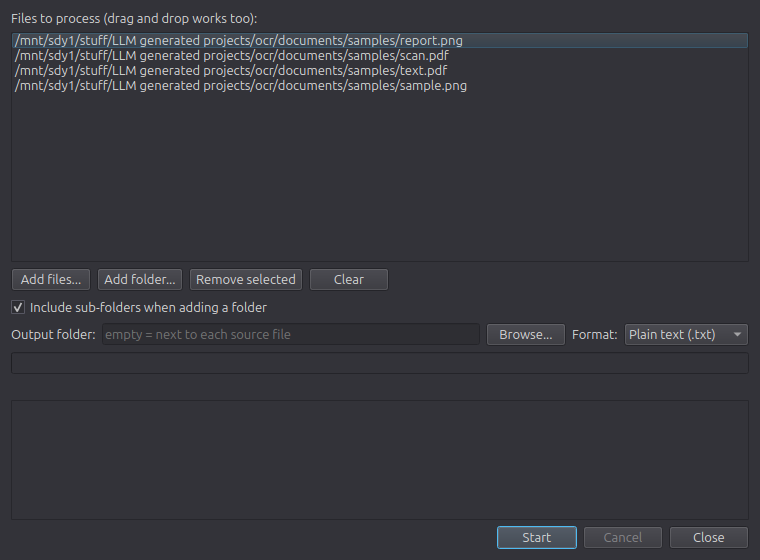
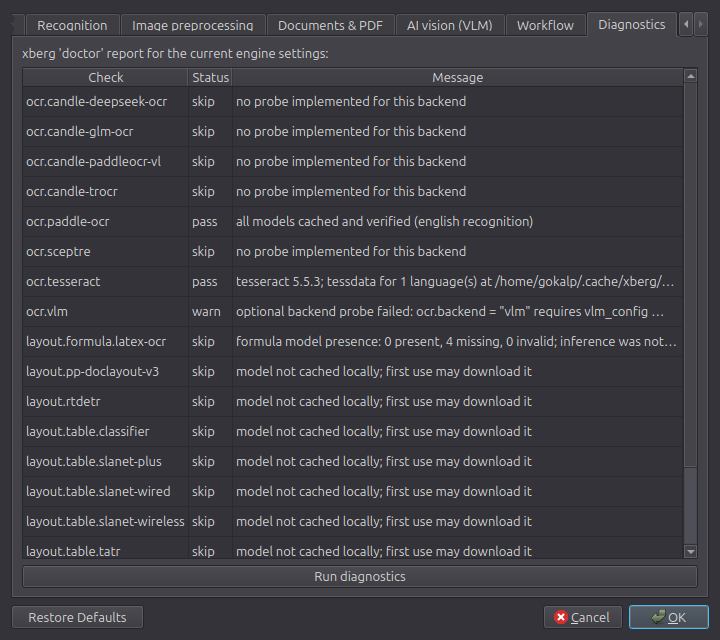
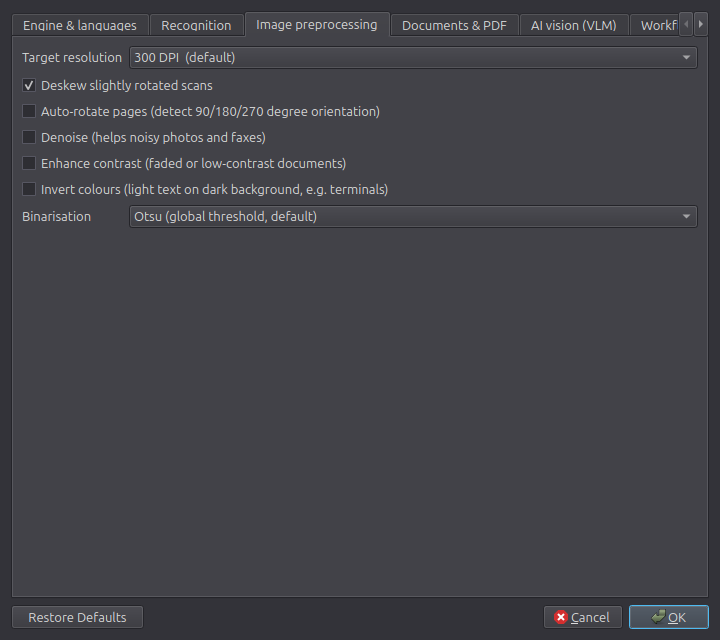
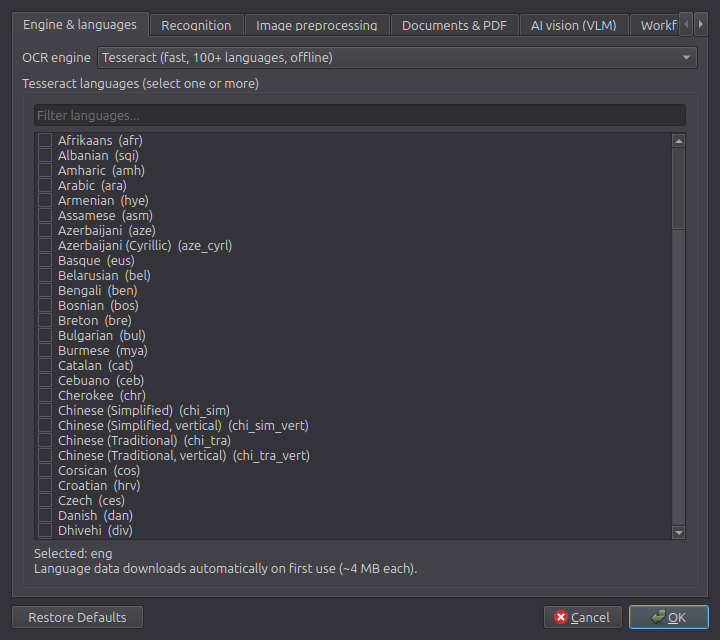
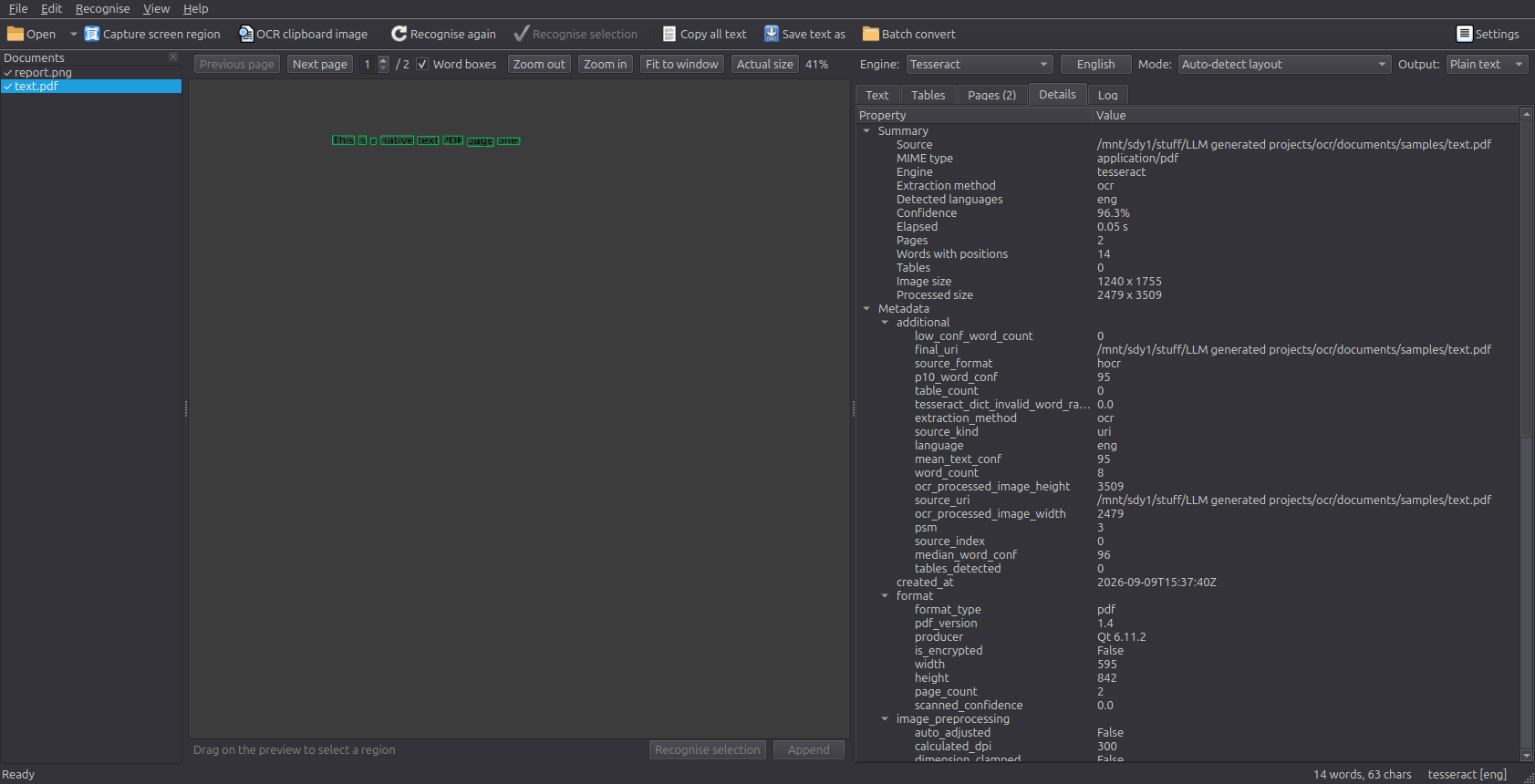
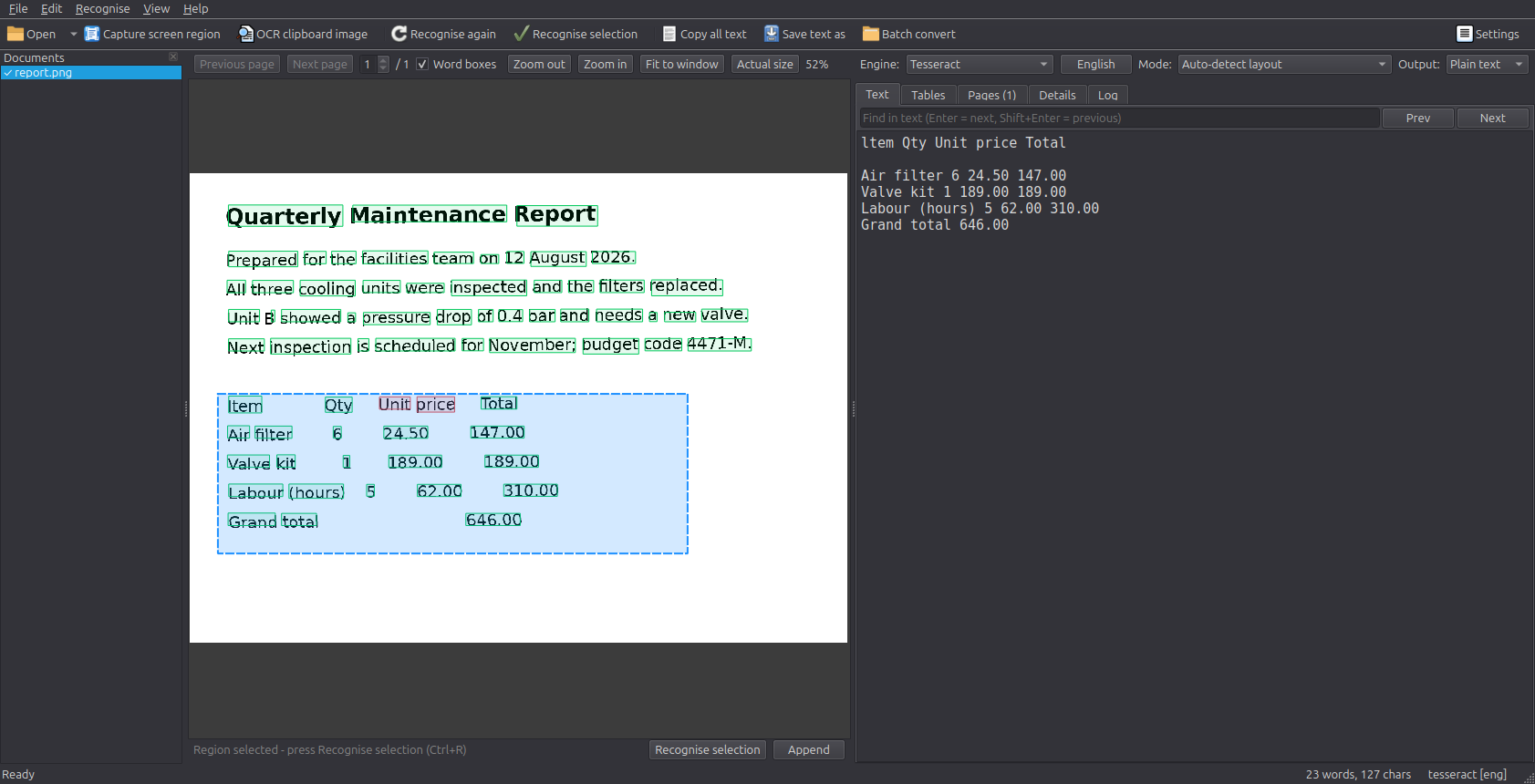
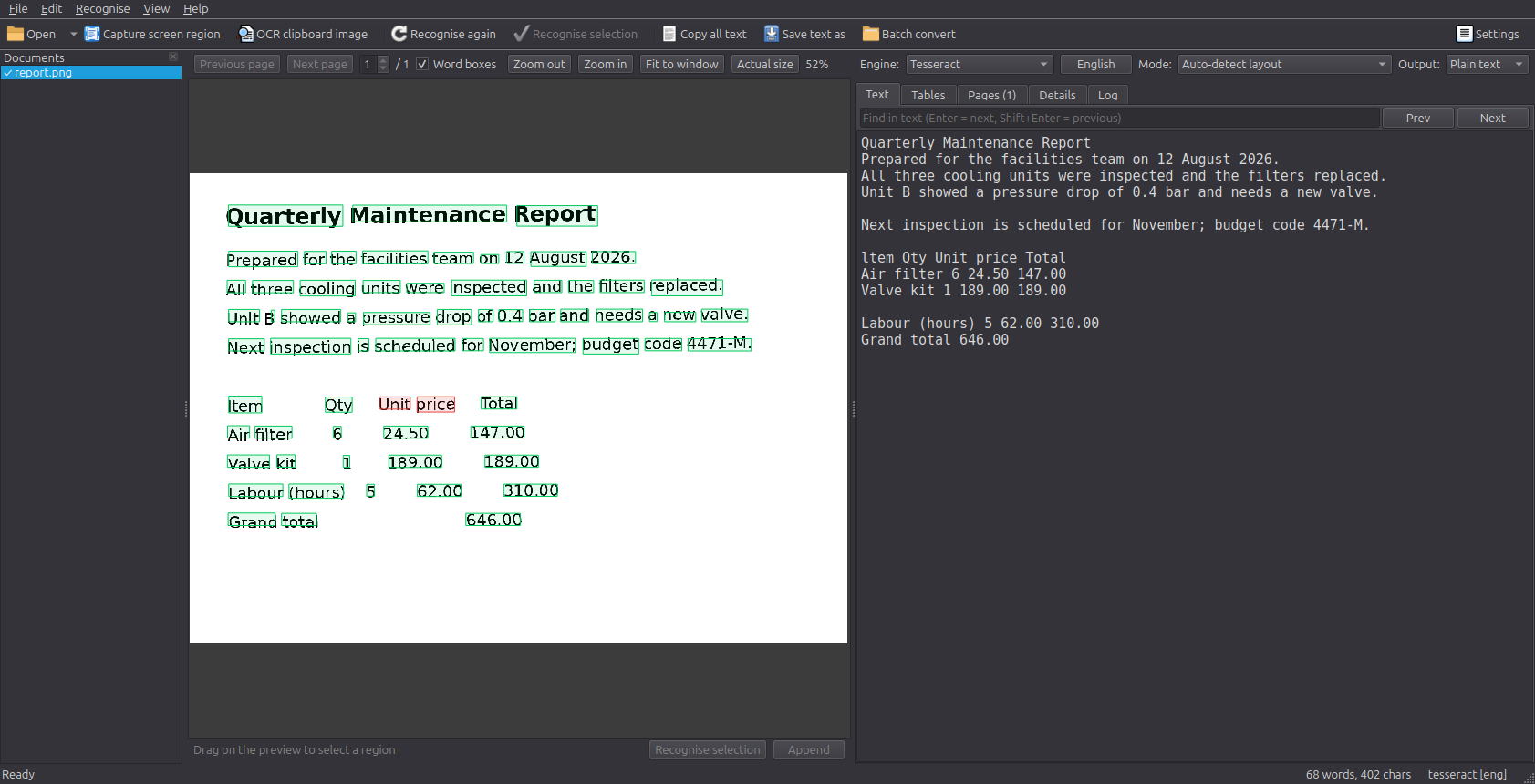
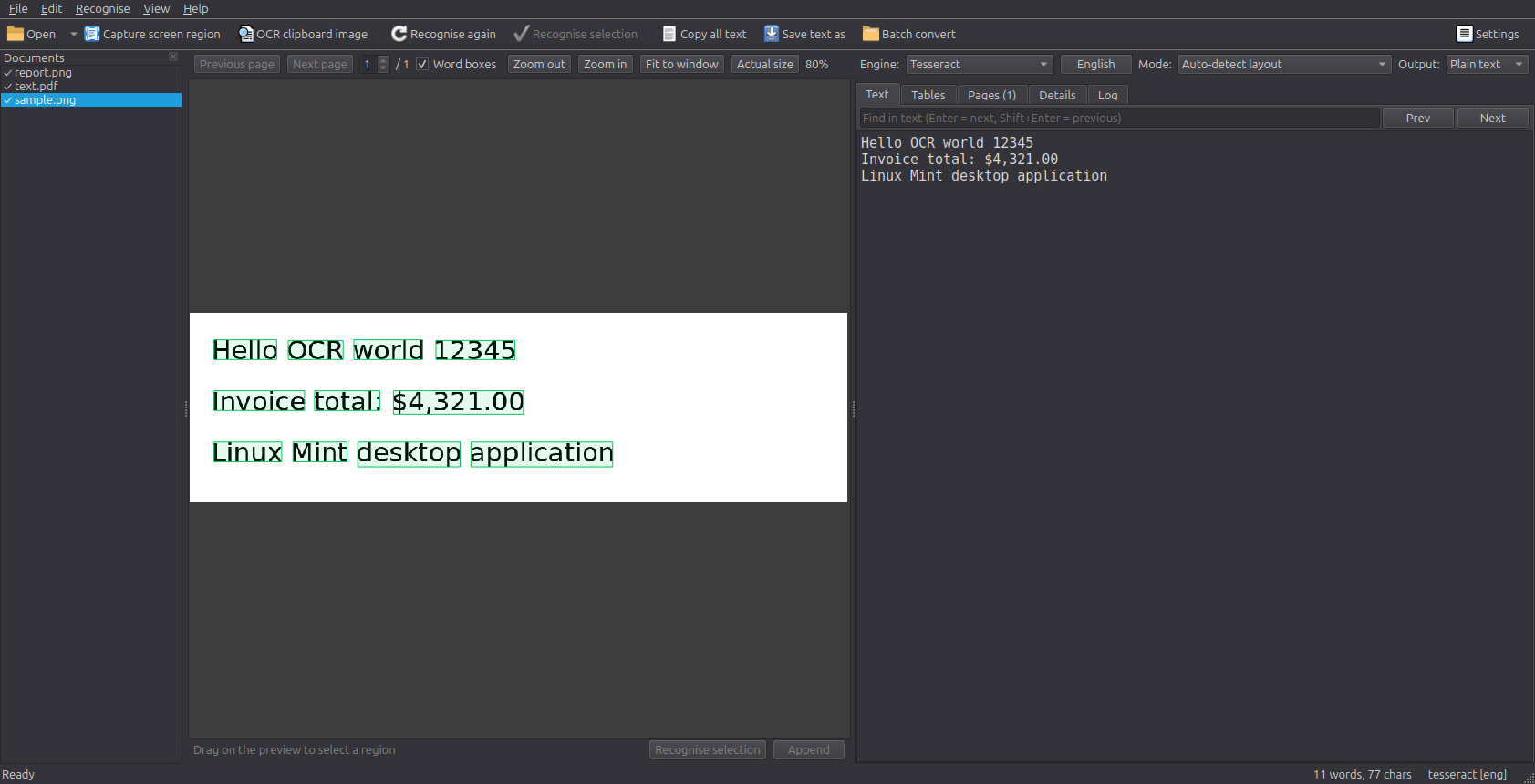
Glyph OCR is a desktop text-recognition application for Linux Mint built on the xberg document-intelligence engine. Open a picture, a scanned PDF, an Office document, an e-book, an e-mail or an archive and the recognised text appears in an editable, searchable editor next to a zoomable preview of the page. Word boxes are drawn over the preview, coloured by confidence.
We need to create Optical character recognition (OCR) application for my Linux Mint
 - To do that: We need to use https://github.com/xberg-io/xberg, https://docs.kreuzberg.dev/guides/ocr/ (previously knwon as "kreuzberg") library
 - Support every file type xberg/kreuzberg supports
 - Look current OCR softwares:
    * https://www.screensnap.pro/blog/ocr-software-windows
    * https://vovsoft.com/software/ocr-reader/
    * https://apps.microsoft.com/detail/9n2lpktlr1j3?hl=en-US&gl=US

Research those application before implementing any code

It should be desktop application
Tags: desktop-app, kreuzberg, ocr, paddleocr, pyside6, python, screenshot-ocr, tesseract, text-recognition, xberg