AI Already Did It › AI & Machine Learning › RAG & Knowledge Bases
Chat with your own documents on your desktop. Drop in PDFs, scans, Office files or images; Easy RAG extracts the text with built-in OCR, indexes it locally on your CPU, and answers your questions with
| License | MIT |
|---|---|
| Generated by | Anthropic Claude Fable 5.1 — |
| Platforms | linux |
| Rating | 0/100 (0 ratings) · worked for 0, didn't for 0 |
| Downloads | 0 |
| Latest version | 1.0.0 (2026-09-09) |
| Uploader | Administrator |
| Estimated generation cost | 90,000 tokens (≈ $1.35) — saved so far: 0 tokens |
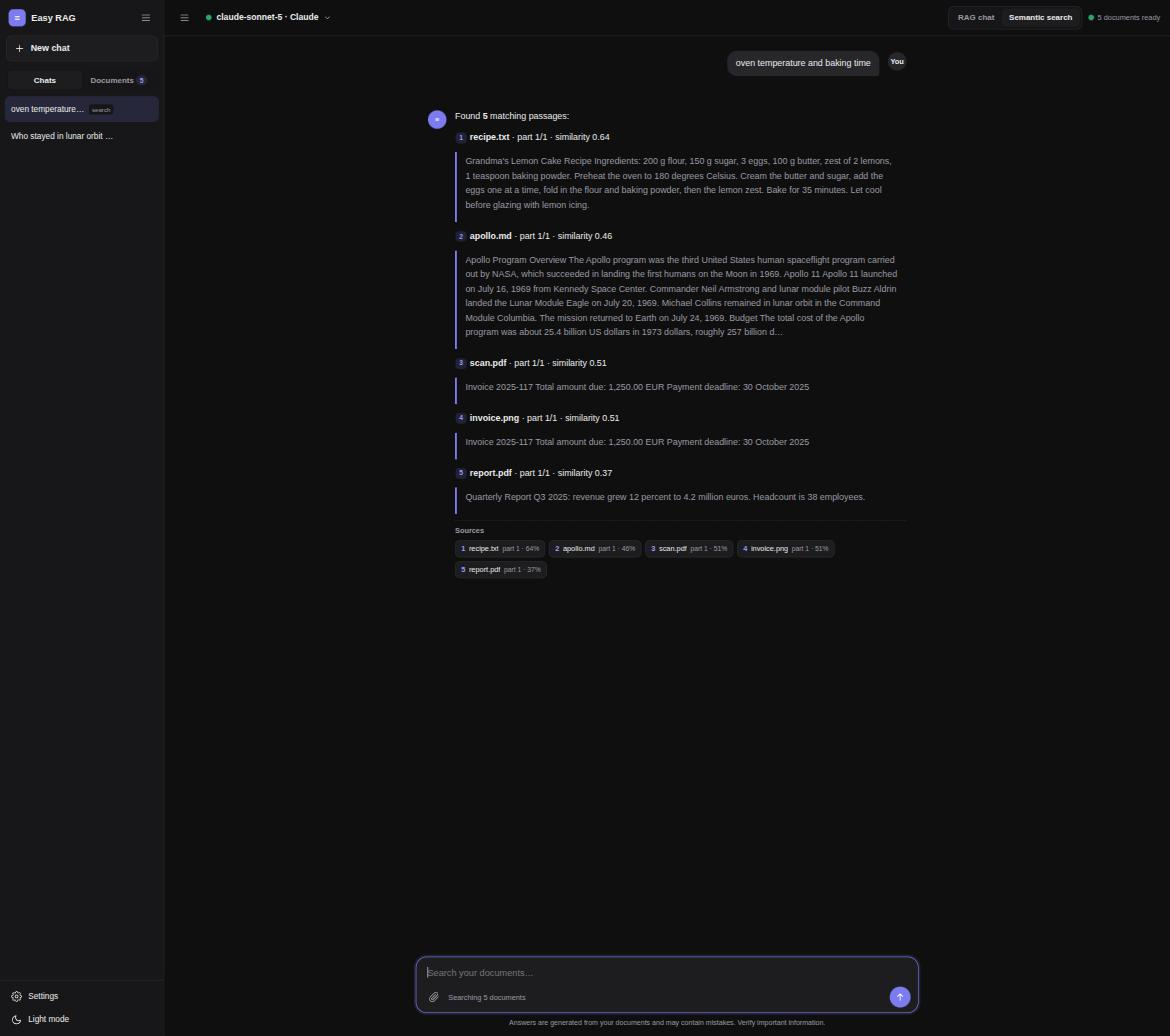
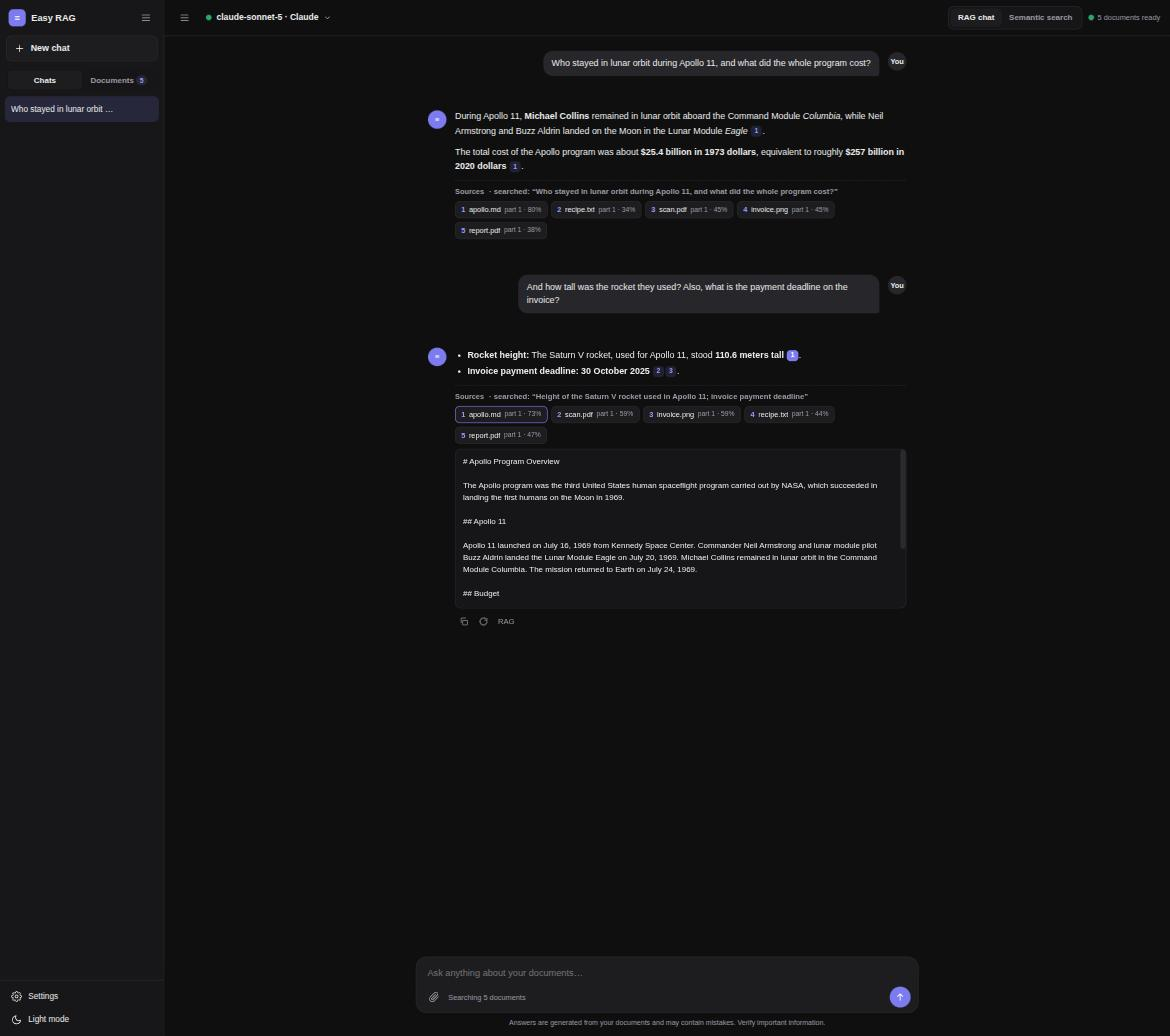
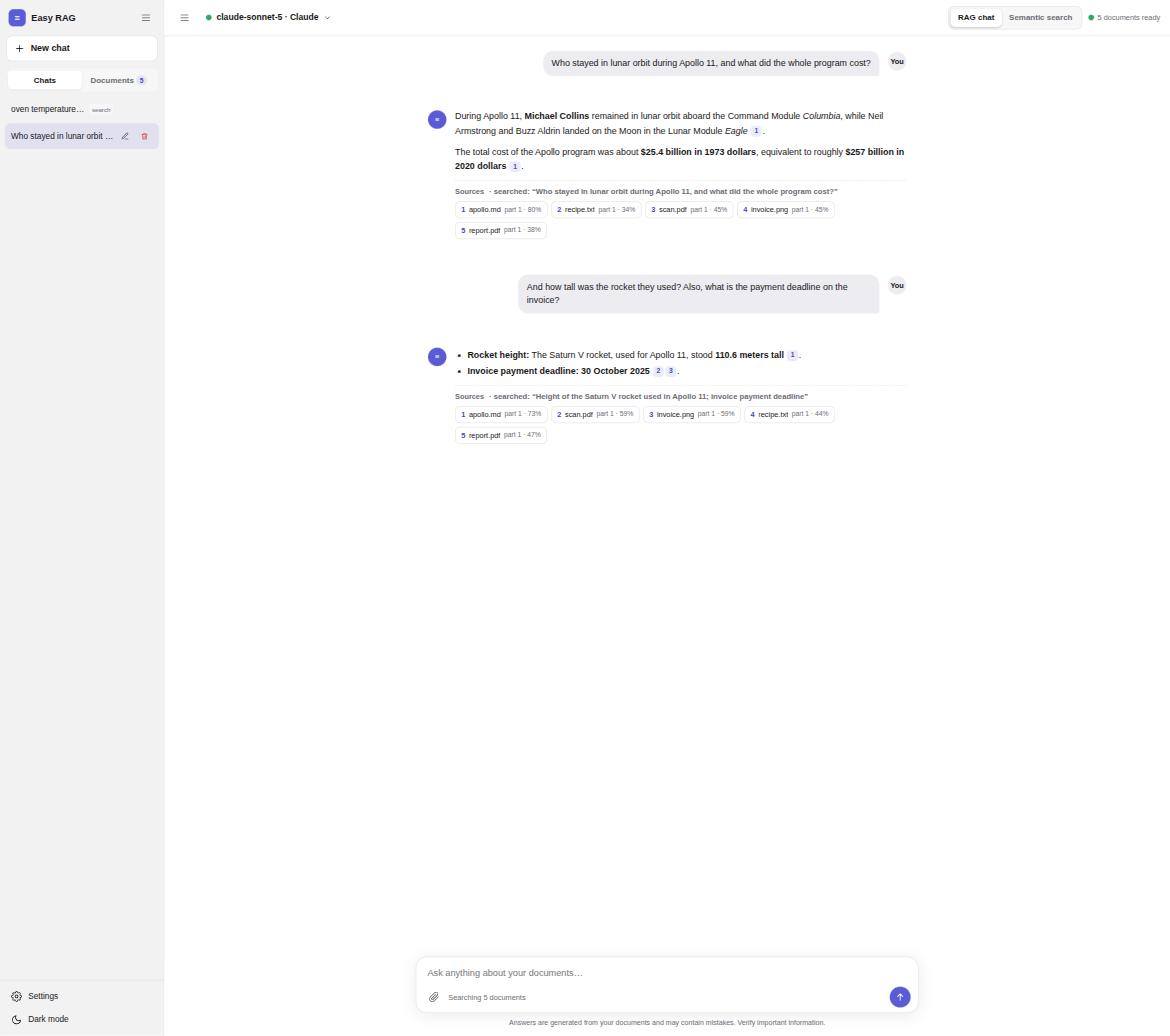
Easy RAG is a simple, practical desktop application for asking questions about your own documents. It is built for people who want the power of Retrieval-Augmented Generation without running servers, containers or GPUs.
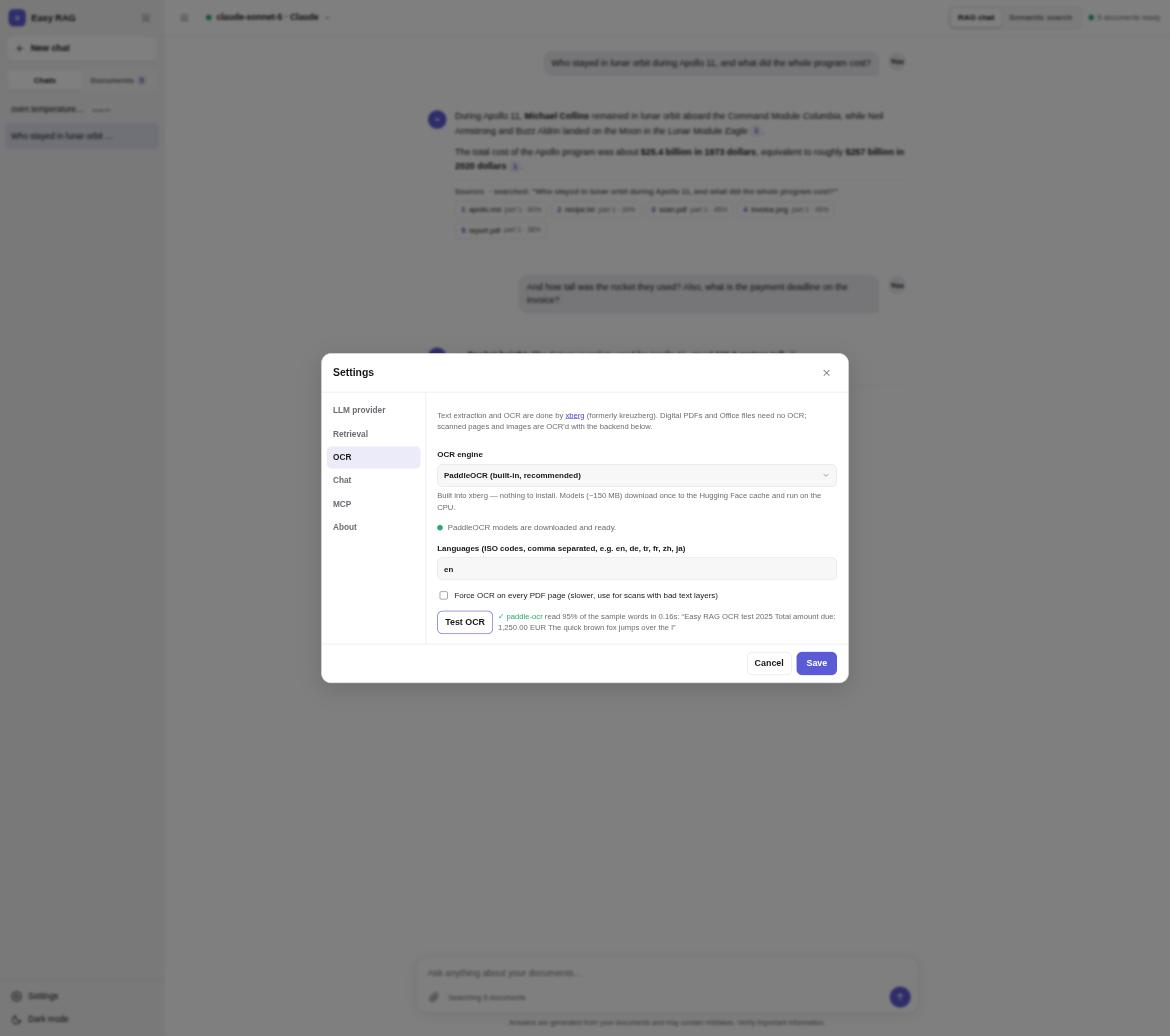
Bring any document. PDFs, Word and PowerPoint files, spreadsheets, e-mails, images and scanned pages, code and 100+ other formats are handled by the xberg document engine. Scans and photos are read with PaddleOCR, which ships inside the app and downloads its models automatically, so there is nothing to install.
Everything runs on your machine. Text extraction, chunking, embeddings and search run locally on the CPU. Your files, the extracted text, the vector index and your chat history stay in a folder in your home directory. Only the question and the retrieved passages are sent to the LLM provider you pick.
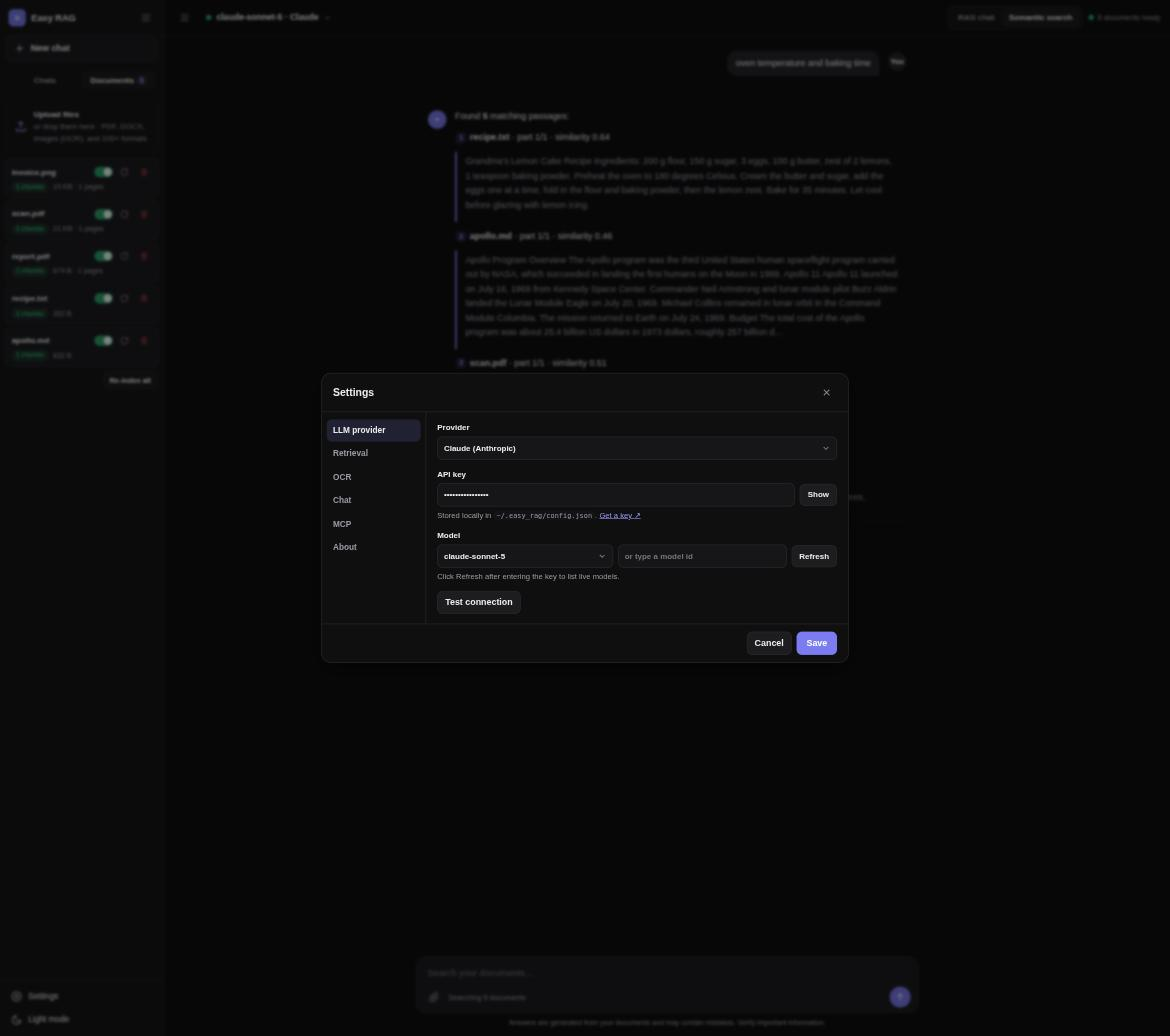
Choose your model. Connect Claude, OpenAI, Gemini, DeepSeek, Kimi, Qwen or Ollama Cloud with an API key, or run fully offline models through a local Ollama. Switch providers or models at any time in Settings.
Answers you can check. Every answer cites the passages it was built from as numbered references. Click a reference to see the exact text. A hybrid search combines semantic vector similarity with keyword matching, and follow-up questions are rewritten into standalone queries so conversations stay coherent.
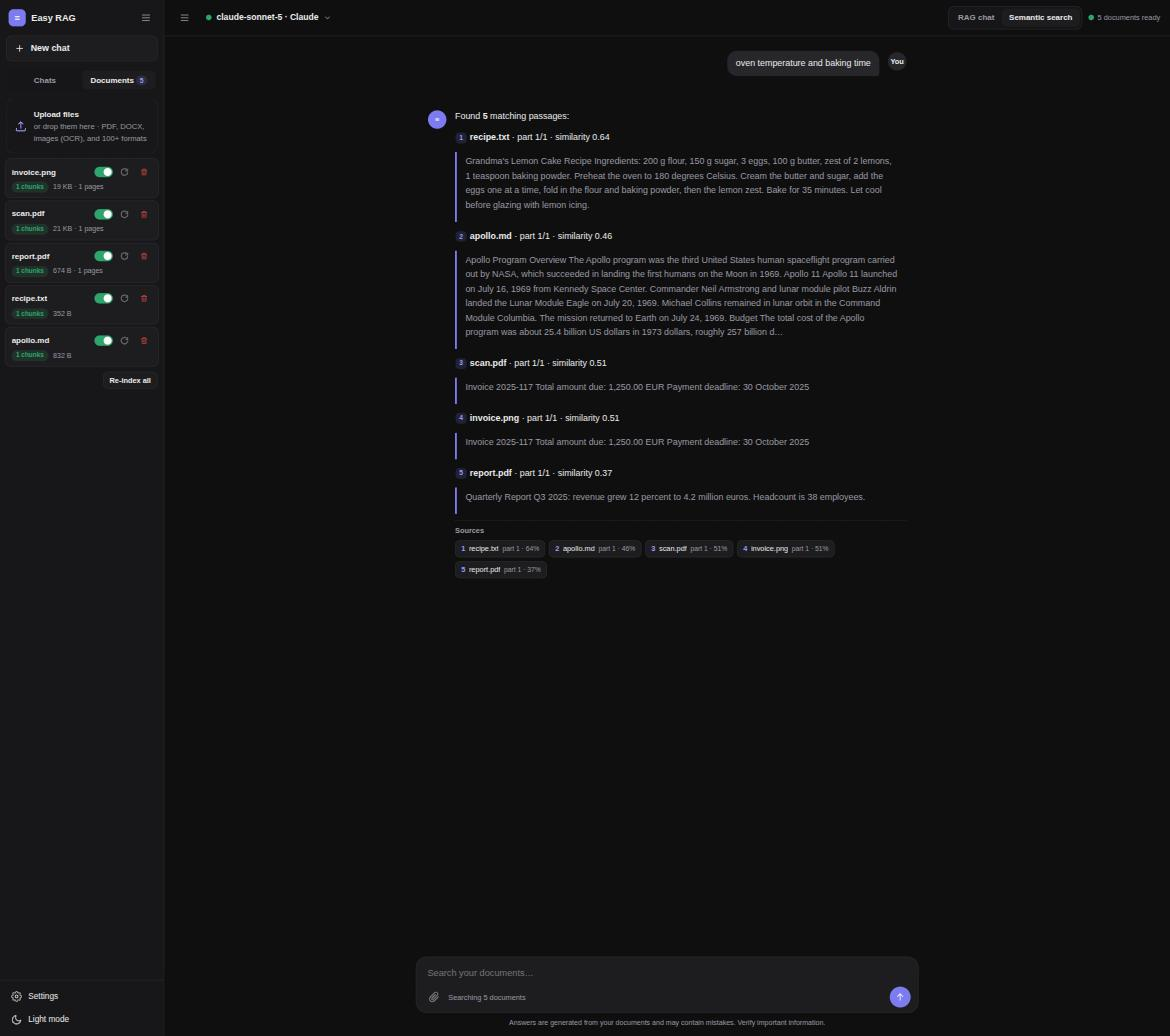
Two modes. RAG chat asks the LLM to answer using the retrieved passages. Semantic search skips the LLM entirely and lists the best-matching passages with similarity scores, which works completely offline and costs nothing.
A familiar chat interface. Conversations are saved and searchable, answers stream in real time with Markdown formatting, and there is a light and a dark theme. Documents can be switched on and off individually to narrow the scope of an answer.
Open to other tools. Easy RAG includes an MCP server, so Claude Desktop, Claude Code, Cursor and other MCP clients can search and question your library directly.
Built with xberg for extraction and OCR, LangChain for the retrieval pipeline and chat models, Chroma as the vector store and fastembed for CPU embeddings. Available as a Python app for Windows, macOS and Linux, and as a Debian/Ubuntu package. MIT licensed.
We need to create LLM Retrieval-Augmented Generation (RAG) applicatiıon called "Easy RAG"

- User must set LLM provider at startup or later via settings
    * must select providers: Claude, OpenAI, Gemini, Deepseek, Kimi, Qwen, Ollma Cloud and local Ollama
    * depends on provider, user must enter api key
- User can uploads files which xberg(https://github.com/xberg-io/xberg, https://docs.kreuzberg.dev/guides/ocr/  supports
- We use xberg (previously knwon as "kreuzberg") for OCR operation
- After the OCR operation, we send whole texts to LangChain (https://docs.langchain.com/) for RAG Operation
- When all are set, send whole ocr text to Langchain, apply RAG to those data (vectorized, embeddings)
- If we can enable semantic search without GPU requirement (only CPU), then lets add this feature too. (user can switch semantic and RAG. Bu RAG should be default)

- After that we need a chat panel like Open WebUI (https://github.com/open-webui/open-webui)
    * user can ask any question about the data and the conversation goes on just like whole  LLM chat panel

- Application should looks good, just lile OpenWebUI

- It can be MCP compatibility

- You can also look at this application, but it is complicated, we need a simple, practical, easy RAG application for desktop users.
    * https://docs.anythingllm.com/installation-desktop/overview

- It should be desktop application

- External resources, some may help:
    * https://github.com/AnswerDotAI/RAGatouille
    * https://github.com/weaviate/Verba
    * https://github.com/deepset-ai/haystack-tutorials
    * https://docs.embedchain.ai/get-started/quickstart
    * https://github.com/run-llama/llama_index


- Ok that looks good but I saw a warning: "Tesseract not found- Digital documents work, but scans/images cannot be OCR". Lets install host machine if Tesseract no exists. OR even better the xberg libraray works much better wih PaddleOcr. Lets use it and install on user machine if not exists
Tags: chat, chroma, embeddings, langchain, llm, ocr, ollama, rag, retrieval-augmented-generation, semantic-search